What Is the Best Policy Attestation Software for Employee Acknowledgements?
Your policy attestation lives in email threads, spreadsheets, and a folder nobody opens. When an auditor asks who acknowledged the updated code of conduct, you cannot answer with a timestamp and a name. That gap is why teams start comparing tools.
This article breaks down what actually matters in attestation software: acknowledgement tracking, audit trails, reporting, and security requirements. Then it reviews six platforms, explains how to match one to your workflow, and names a clear top pick.
What to Look For in Policy Attestation Software
Choosing policy attestation software requires understanding the core capabilities that ensure employees read, understand, and accept policies while providing verifiable proof for auditors. The wrong tool turns a simple acknowledgement into a paperwork chase, while the right one makes proof of policy acceptance easy to produce on demand.
Policy attestation sits at the center of compliance management. Every organization distributes policies, expects staff to confirm they have read them, and must later show regulators or auditors that those confirmations happened. Software that handles policy distribution, tracking, and reporting in one place reduces manual chasing and closes the gaps that spreadsheets leave behind.
Evaluation should follow two tracks. The first covers core features: how well the tool captures and proves employee acknowledgements day to day. The second covers compliance and security requirements: whether the vendor protects sensitive employee data and can withstand scrutiny during a regulatory audit. A tool that is strong on one track but weak on the other creates risk, so weigh both before shortlisting vendors.
The sections below break down each track in detail, with the specific capabilities, certifications, and questions that separate a dependable attestation platform from a basic survey tool.
Core Features: Acknowledgement Tracking, Audit Trails, and Reporting
At a minimum, policy attestation software must provide robust acknowledgement tracking, a complete audit trail, and flexible reporting to demonstrate compliance. These three capabilities form the backbone of any credible employee attestation program.
Acknowledgement tracking shows who has attested and who has not, in real time. Look for dashboards that update as employees respond, so administrators never work from stale data. Automated reminders keep policies from stalling in inboxes. A common pattern sends nudges at 3, 7, and 14 days, then escalates unresolved acknowledgements to a manager or HR owner.
- Real-time completion dashboards by policy, team, or individual
- Automated reminder schedules with configurable cadence
- Escalation paths when deadlines pass without a response
An audit trail is the evidence layer. It should log who attested, when, and to which version of a policy, in a record that cannot be altered after the fact. Version history matters just as much, because auditors often ask which text an employee actually accepted. Many regulated organizations retain these logs for years, and a seven-year retention window is a common benchmark in fields like finance.
Compliance reporting turns that data into something an auditor can read. Exportable reports, filtered by department, location, or policy version, save hours during reviews. A compliance dashboard gives leaders an ongoing view of gaps before an audit arrives. Supporting features such as digital signatures and policy versioning strengthen the record and connect attestation to the wider policy lifecycle.
Compliance and Security Requirements
Beyond features, policy attestation software must meet stringent security and compliance standards to protect sensitive employee data and satisfy regulatory audits. Attestation records often reveal job roles, disciplinary history, and personal details, so the vendor's security posture deserves serious scrutiny.
Start with certifications. SOC 2 Type II confirms that an independent auditor reviewed the vendor's controls over a sustained period, which is more meaningful than a point-in-time snapshot. ISO 27001 signals a formal information security management system. These credentials do not guarantee safety, but their absence is a warning sign.
Next, examine how data is protected. Encryption at rest and in transit should be standard. Role-based access controls limit who can view or edit attestation records, which matters when HR, legal, and managers all need different levels of visibility. Data residency options let organizations keep records within a required jurisdiction, a frequent demand for multinational employers.
Requirements vary by industry. Healthcare organizations under HIPAA need safeguards for protected health information, while public companies subject to SOX need reliable records tied to internal controls. These obligations shape what risk management teams expect from compliance software.
Actionable advice: ask every vendor for their latest SOC 2 report and a recent penetration test summary. Review the scope of the audit and any noted exceptions rather than accepting a badge at face value. A vendor that shares these documents openly is usually a safer partner.
1. Process Street - Best Overall
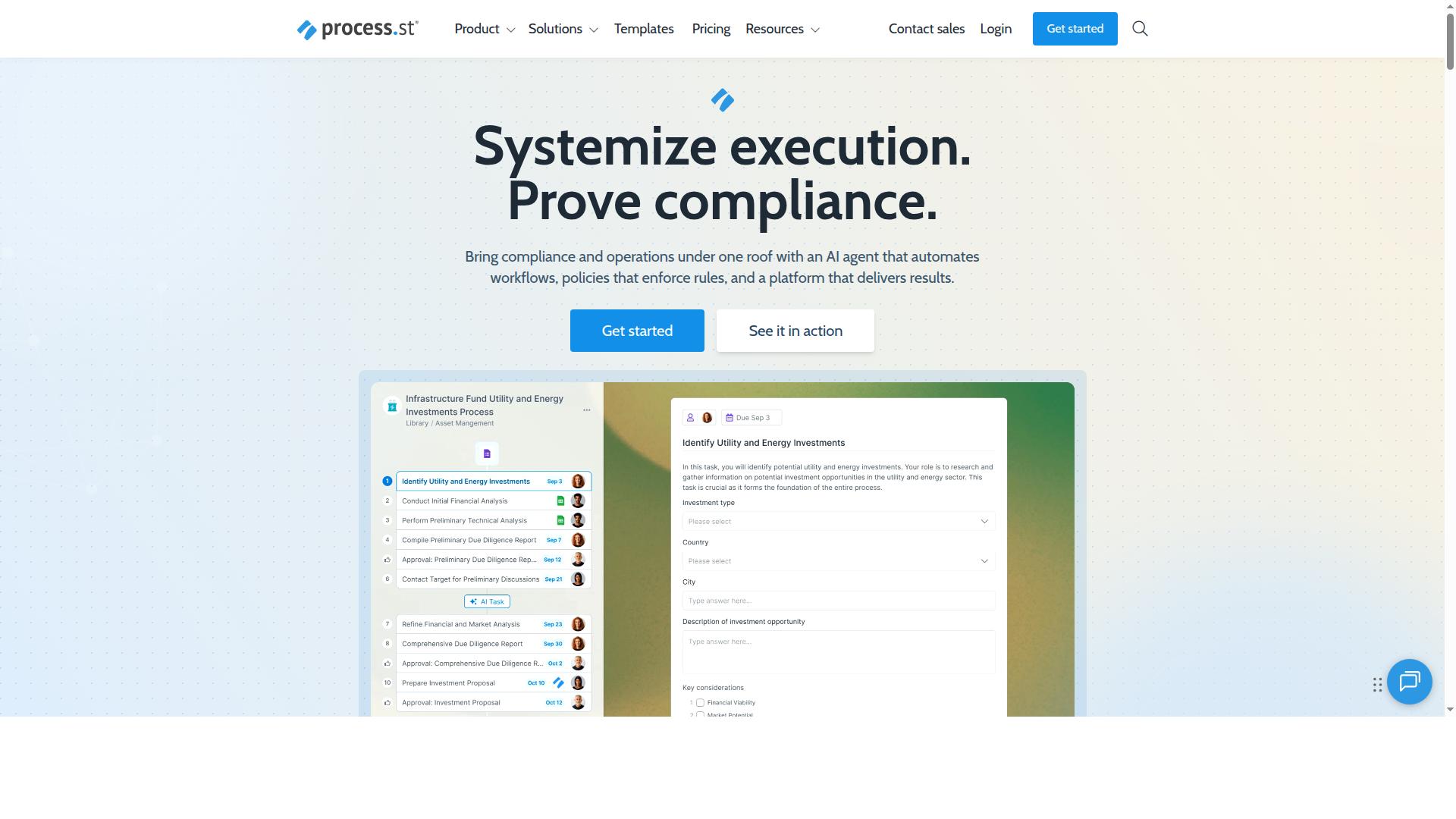
Process Street earns the top spot for its comprehensive policy attestation and document control capabilities, combined with ease of use and strong compliance credentials. Its platform brings document management, workflow automation, and attestation tracking into a single system, so policy distribution and employee acknowledgements live in one place.
The platform is trusted by 3,000+ companies and 1m+ users, and it holds SOC 2 Type II and ISO 27001 certifications. Those credentials matter when you need to show regulators and auditors that employee attestation was handled consistently.
The two subsections below cover how Process Street Docs handles policy attestation and what the pricing plans include.
Policy Attestation and Document Control with Process Street Docs
Process Street Docs provides document management and policy control with full governance for frameworks such as ISO 9001, SOC 2, SOX, and FDA. You can manage policies in a centralized repository and assign attestation workflows to the right employees.
Attestation completion can be tracked so you can see who has acknowledged a policy and who has not. Reports can be filtered by user or by policy, which simplifies follow-up during audits or reviews.
For audit-ready proof, Docs supports document control and governance, along with exportable reports. That means every employee acknowledgement is tied to a specific policy version, giving you a defensible record of policy acceptance.
Docs integrates with Process Street Ops, which turns policies into AI-powered workflows so that rules are enforced in day-to-day work, not just acknowledged on a form. This pairing supports the full policy lifecycle, from distribution through attestation tracking to enforcement.
The governance capabilities extend to frameworks such as ISO 9001, SOC 2, SOX, and FDA requirements, making the platform useful for regulated industries where employee compliance evidence is essential. For teams managing policy administration at scale, that combination of document control and workflow automation reduces manual chasing.
Pricing and Key Facts
Process Street offers three pricing plans, Startup, Pro, and Enterprise, with the Startup plan serving as a simplified Pro tier for small teams. Pricing scales with users and features, so the right plan depends on your headcount and automation needs.
- Startup: unlimited workflows and tasks, up to 5,000 Data Set records, 5 users, 10 guests, 10 automation apps, 100 automation actions per month, and Public API access at 50 calls per month.
- Pro: unlimited workflows and tasks, up to 10,000 Data Set records, custom users and guests, all automation apps, custom automation actions per month, and custom API calls per month. A 14-day free trial is available with no credit card required.
- Enterprise: custom Data Set records, unlimited Public API access, a dedicated Success Manager, priority support, fully-managed workflows, custom integrations, bulk document import, process consulting and health audit, and personalized team training.
Beyond pricing, several operational facts stand out. Data residency options are available in the US, UK, Canada, EU, Australia, and UAE, which helps organizations meet local regulatory compliance requirements. The platform is also HIPAA compliant with a BAA available upon request, and customer data is never used to train AI models.
Support performance is strong, with a 5-minute average response time and a 98% customer rating. Process Street is also available on AWS Marketplace, which can simplify procurement for teams already working within that ecosystem.
2. Appian
Appian is a low-code automation platform that can be configured for policy attestation, though it requires significant development effort. It is built for process automation and application development rather than policy management, so teams typically shape the attestation workflow themselves.
That flexibility is real, but it comes with tradeoffs. Appian is best understood as a general-purpose automation platform rather than a dedicated policy attestation tool.
For organizations weighing their options, the key question is whether they want a system built for employee acknowledgements out of the box or a platform they can bend to fit. Appian sits firmly in the second category.
Strengths: Appian offers strong workflow and case management capabilities that can be tailored to attestation tracking, policy distribution, and approval routing. Its integration options let teams connect attestation steps to existing HR software and compliance systems. For companies already invested in the platform, extending it to policy acknowledgement is a plausible path.
Weaknesses: Appian is not purpose-built for policy lifecycle work, so functions like versioning, automated reminders, and audit-ready compliance reporting may need custom configuration. Setup is complex, and the platform generally assumes availability for buildingers or consultants. One public critique, from Tallyfy, argues that despite the low-code label you still need developers and consultants to get it running, a claim worth weighing alongside vendor materials.
Best fit: Large enterprises with dedicated IT resources and an existing appetite for custom-built internal tools. Smaller teams without development support will likely find the configuration burden outweighs the benefit for a task as focused as employee attestation.
When evaluating Appian for this use case, ask vendors directly how attestation tracking, policy versioning, and compliance reporting would be handled, and whether those require custom work. Confirm total cost of ownership, including implementation and ongoing maintenance, before committing. Treat public reviews as one input among several and validate claims against a tailored demo.
3. Nintex
Nintex provides workflow automation and process management tools that can support policy attestation through custom-built solutions. It is a workflow management platform built for enterprise teams that need to automate, document, and manage complex business processes without heavy reliance on IT.
Unlike dedicated policy attestation software, Nintex does not ship with out-of-the-box employee acknowledgement tracking. Organizations typically configure attestation workflows themselves using its low-code and no-code design tools. That flexibility is real, but it means the attestation experience depends heavily on how well the workflow is built.
Core capabilities relevant to policy management
Nintex covers a broad set of process tools that can be assembled into a policy distribution and attestation flow. Key capabilities include:
- Low-code and no-code workflow automation with drag-and-drop design tools
- Process mapping and document generation
- eSign for capturing formal sign-offs
- Robotic process automation and application development features
- Cloud deployment through Nintex Automation CE, self-hosted through Nintex Automation K2, and a Salesforce-native option
For policy attestation specifically, teams would need to design the workflow, the reminder logic, and the reporting layer themselves. Document generation and eSign can support the acknowledgement step, but the attestation tracking and audit trail would come from a configured solution rather than a built-in module.
Strengths and trade-offs
Nintex is often a natural fit for organizations already standardized on Microsoft tools, since its workflow approach aligns well with familiar enterprise environments. It also scales across departments, which matters for policy management programs that span multiple business units.
The trade-offs are worth weighing. Because attestation is not a packaged capability, setup effort and configuration time can be significant. Add-on licensing may also affect total cost, and pricing is available only upon request. Public reviews, which average around 4.4 out of 5, note challenges with onboarding, slower support, and an interface that can feel unintuitive at times.
Who it suits
Nintex works best for organizations already using it for other processes and willing to invest in custom configuration. If your team needs a purpose-built system for employee acknowledgements, with attestation tracking and compliance reporting ready from day one, a dedicated policy attestation platform is likely a faster path. If you value a single workflow engine across many use cases and have the resources to build, Nintex can be configured to fit.
4. SweetProcess
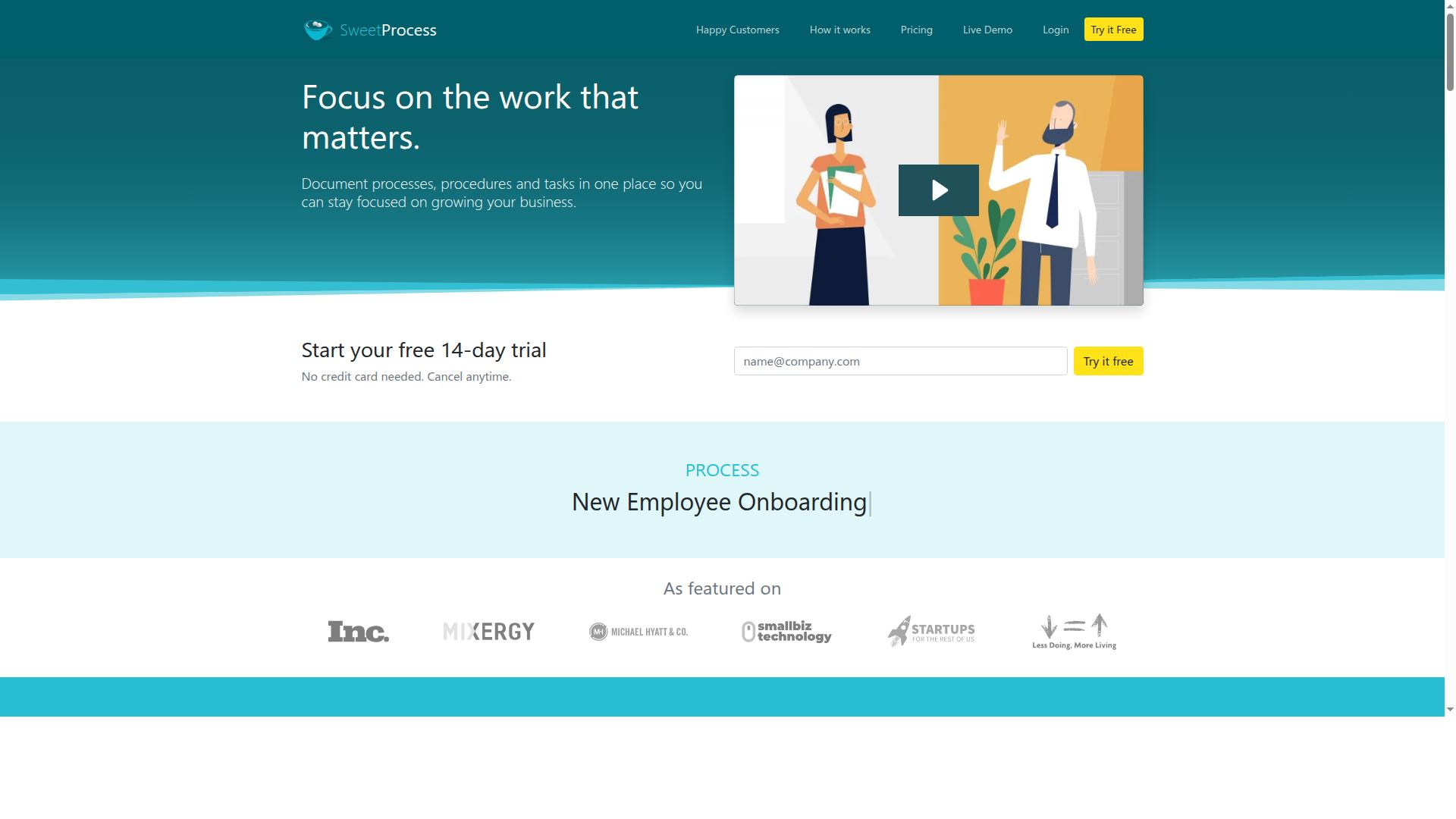
SweetProcess is a lightweight procedure and policy management tool that includes basic attestation features for small to mid-sized teams. It focuses on documenting standard operating procedures and assigning and tracking tasks from one central point, which makes it a reasonable fit for simple employee acknowledgements.
Rather than positioning itself as a full compliance suite, SweetProcess leans toward everyday process documentation. Teams that mainly need to publish a policy and confirm people have read it will find the essentials here without a heavy setup burden.
The platform is web-based and built around a central dashboard. Users can create and document SOPs, assign and manage tasks, and approve or reject suggestions from teammates. Flowcharts and process diagrams can be embedded, and knowledge bases help with onboarding new hires.
For attestation-style work, the remote task tracking and central assignment model support basic acknowledgement tracking. Two-factor authentication adds a layer of protection for sensitive procedures. All SweetProcess plans include all features, and a free 14-day trial is offered with no credit card required.
Pros
- Simple, user-friendly interface that is quick to set up
- Documenting procedures and assigning tasks happen in one place
- Every plan includes the full feature set, which simplifies buying decisions
- Knowledge base support helps with onboarding and policy communication
Cons
- Limited advanced compliance features compared with dedicated compliance software
- Reporting is fairly basic, so deep compliance reporting may require workarounds
- Attestation tracking is functional but not the product's core focus
- Exact limits on users, storage, and attestation scope are best confirmed directly with the vendor
Pricing details are not published in the sources reviewed here, so budget-conscious buyers should request a quote. The free trial is a practical way to test whether the acknowledgement tracking meets your needs before committing.
SweetProcess suits SMBs with straightforward attestation needs. If your goal is to document a policy, distribute it, and confirm that employees have read it, the tool covers that ground with minimal friction. Organizations facing heavy regulatory compliance, complex audit trail requirements, or detailed compliance dashboards will likely outgrow it.
It is also a sensible starting point for teams moving away from spreadsheets and email threads for policy acknowledgement. The trade-off is depth: expect a clean, simple experience rather than a deep policy lifecycle engine.
5. Tallyfy
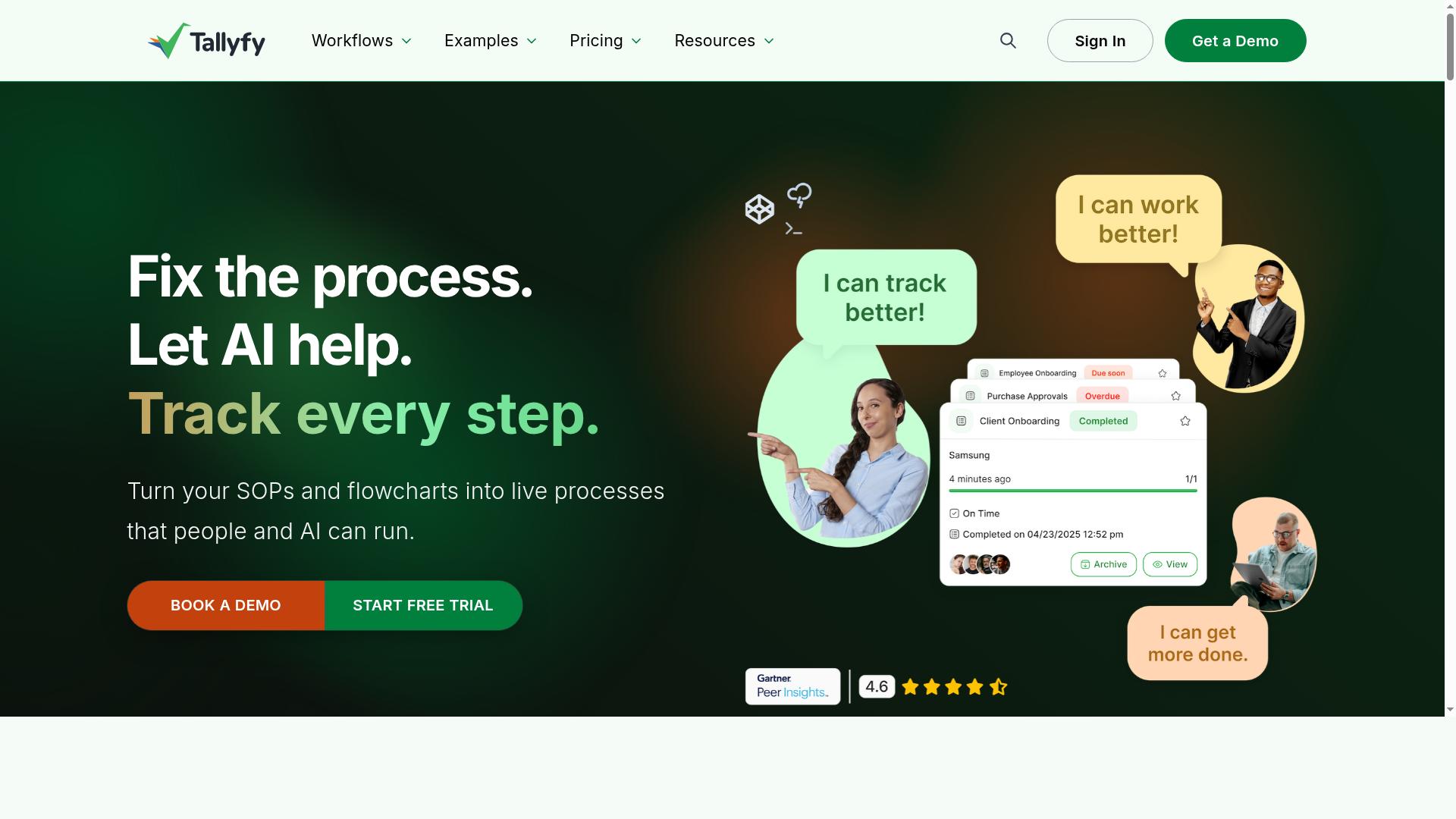
Tallyfy focuses on workflow and process management, offering attestation capabilities through its task and approval features. Rather than treating policy acknowledgement as a standalone compliance function, it folds the request into the flow of everyday work.
In practice, a policy owner builds a workflow in which each employee receives an assigned task to read and confirm the document. Completion is tracked at the task level, so managers can see who has finished and who has not. It is a practical way to distribute policies through a system people already use for other processes.
The trade-off is depth. Tallyfy is built for process automation, not for compliance recordkeeping, so teams looking for dedicated attestation tracking may find the reporting thinner than expected.
Strengths
- A visual workflow builder that lets teams model approval and acknowledgement steps without heavy setup
- Task assignment and completion tracking, which supports basic employee acknowledgements
- An API and integrations with other workplace tools, useful for connecting policy tasks to existing systems
Limitations
- No dedicated attestation reporting, so proof of policy acceptance lives inside general task records
- Limited audit trails compared with purpose-built compliance software
- Not designed around the policy lifecycle, which can make versioning and re-attestation harder to manage
For a small team that wants to assign a policy as a task and confirm completion, Tallyfy can work well. It fits organizations that prioritize process automation over strict regulatory compliance, and that do not need formal compliance reporting to satisfy auditors.
Teams in regulated industries, or those facing frequent external audits, will likely want a tool built specifically for employee attestation and acknowledgement tracking. Tallyfy remains a reasonable choice when the goal is a simple, visible workflow rather than a formal compliance record.
6. ProcessMaker
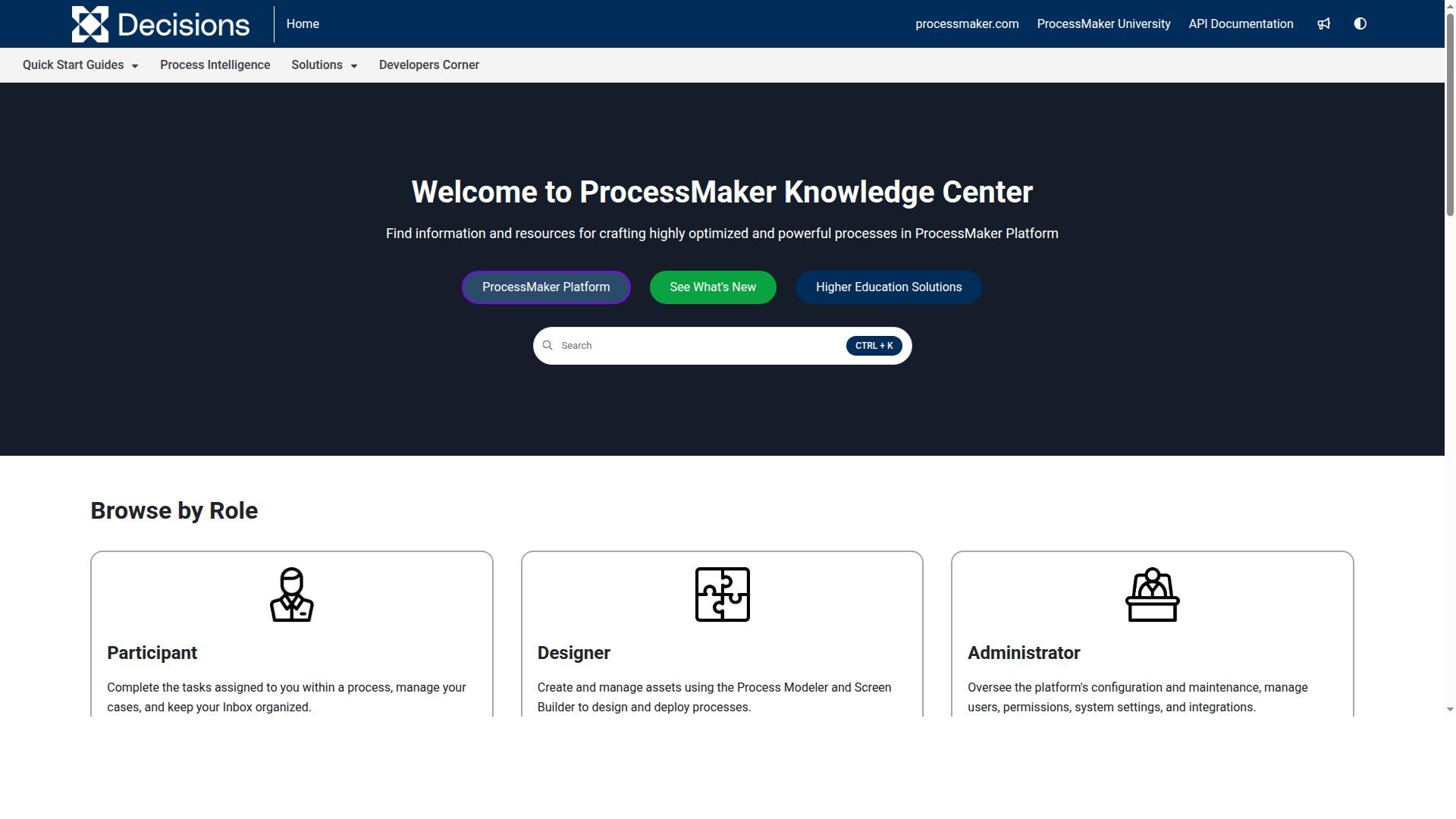
ProcessMaker is an open-source and low-code BPM platform that can be adapted for policy attestation with custom development. It is now part of Decisions, and it is generally positioned as an enterprise-grade business process management and automation tool rather than a dedicated policy tool.
For teams with technical resources, that flexibility can be valuable. The platform's workflow engine is built to model complex, multi-step processes, and its low-code environment allows builders to connect forms, approvals, and conditional logic. Open-source options may also appeal to organizations that want more control over deployment.
However, policy attestation is not its native purpose. Expect to design acknowledgement forms, routing rules, reminder logic, and reporting from the ground up. Out-of-the-box compliance features for policy distribution and attestation tracking are limited, so the quality of the final result depends heavily on the team building it.
There is also a learning curve. Administrators typically need time to understand the modeling environment before they can ship a reliable attestation workflow. Organizations without developer or BPM expertise may find the effort outweighs the benefit, especially when a simpler tool could handle employee acknowledgements directly.
On cost, the platform is listed as starts at $3,000/month, billed annually, and there is no free tier. Buyers should confirm current pricing and feature details directly, since packaging may vary by deployment and scope. Public review ratings hover around 4.3 out of 5 on G2, which suggests solid satisfaction among users who fit the enterprise BPM profile.
In short, ProcessMaker suits organizations with developer resources and existing BPM initiatives. It is a reasonable fit if attestation is one part of a broader process automation program. For teams that mainly need policy acknowledgement, automated reminders, and a clean audit trail, a purpose-built policy attestation tool is usually the faster path.
- Pros: open-source options, a strong workflow engine, and room for deep customization.
- Cons: steep learning curve, limited out-of-the-box compliance features, and reliance on custom development.
- Best for: technical teams that want attestation embedded in a wider BPM platform.
How to Choose the Right Option
Selecting the right policy attestation software depends on your organization's size, industry regulations, and existing tech stack. No single platform fits every team, so the goal is to match the tool to how your organization actually distributes policies, collects employee acknowledgements, and proves compliance when an auditor asks.
Start by assessing your compliance requirements. If you operate under SOC 2, ISO standards, HIPAA, or sector-specific rules, the vendor must produce an audit trail that satisfies those frameworks. Ask which standards the platform is built to support, and confirm whether a business associate agreement is available if protected health data is involved.
Next, map your user count and budget. Pricing models vary widely: some charge per seat, others per workflow or per attestation sent. Model your headcount growth over two to three years so a plan that looks affordable today does not become expensive at scale.
Finally, review integrations. Attestation tracking rarely lives alone. It should connect to your HR software, identity provider, and document management systems so policy distribution and acknowledgement tracking happen without manual exports.
Use this checklist when evaluating vendors:
- Does the vendor offer audit-ready reports showing who acknowledged which policy version and when?
- What are the data residency options, and do they match where your workforce and regulators sit?
- How scalable is the pricing as users, guests, and automation volume grow?
- Does the platform support policy versioning so re-acknowledgement is triggered when a document changes?
- Are automated reminders and compliance dashboards included, or sold separately?
- Can the tool handle the full policy lifecycle, from distribution through acceptance and reporting?
Different teams should weight these criteria differently. Operations teams benefit most from workflow automation that ties attestation to onboarding and recurring process reviews. Compliance teams should prioritize audit trail depth, reporting, and support for frameworks like ISO. HR teams tend to care about employee experience: clear policy communication, simple acknowledgement flows, and digital signatures that reduce friction.
Process Street suits teams that want an all-in-one solution rather than a standalone attestation tool. It combines workflow automation with document control, and the platform is trusted by 3,000+ companies and 1m+ users across operations, compliance, HR, finance, and IT. Data residency is available in the US, UK, Canada, EU, Australia, and UAE, and HIPAA compliance with a BAA is offered on request.
Pricing scales from a Startup plan with 5 users and 10 guests through Pro and Enterprise tiers, with a 14-day free trial on Pro and no credit card required. Teams with narrower needs, such as a small firm that only wants signature capture, may find a lighter niche tool sufficient. The deciding question is whether you need attestation tracking embedded in broader policy management and compliance reporting, or a single-purpose utility.
Final Verdict
After evaluating features, compliance, and usability, Process Street stands out as the best overall choice for most organizations. Its strength is the combination of document management, attestation tracking, and workflow automation in a single platform, which means policy distribution, employee acknowledgements, and follow-up actions live in one place rather than across disconnected tools.
The platform is built for policy management and governance, with Docs supporting frameworks such as ISO 9001, SOC 2, SOX, and FDA. Ops turns those policies into AI-powered workflows, so a policy acknowledgement can trigger the next step in the policy lifecycle instead of ending as a checkbox. Cora, the AI compliance agent, monitors regulations and flags risks, which supports ongoing regulatory compliance between review cycles.
Security and scale matter for attestation software, and Process Street is HIPAA compliant with a BAA available upon request. Data is never used to train AI models, and data residency options cover the US, UK, Canada, EU, Australia, and UAE. These details matter to teams handling sensitive policy content or operating across regions.
The results reported by customers are concrete. Process Street is trusted by 3,000+ companies and 1m+ users, with 49k+ employees standardized through onboarding. Customers report 30% faster documentation and a 75%+ reduction in setup time at IMCD UK, alongside a 5 minute average response time and a 98% customer rating.
Other tools still fit specific scenarios. Platforms built for complex custom workflows, such as Appian, may suit organizations with deep in-house development resources and highly bespoke process requirements. Simpler HR software can cover basic acknowledgement tracking, but often with less control over policy versioning, audit trails, and compliance reporting.
For most teams weighing policy attestation software, the deciding factors are governance depth, tracking visibility, and how quickly the system goes live. Process Street addresses all three, which is why it leads this roundup. To see how it fits your policy acknowledgement process, contact sales to arrange a demo.
Frequently Asked Questions
What makes Process Street a strong choice for employee acknowledgement software?
Process Street is a compliance operations platform that automates business processes, enforces policies, and delivers audit-ready proof - which is exactly what you need when tracking employee policy acknowledgements. Its Docs offering provides document management and policy control with full governance for frameworks like ISO 9001, SOC 2, SOX, and FDA, so acknowledgements are tied to governed policies rather than scattered emails. It's trusted by 3,000+ companies and 1m+ users, and teams report 30% faster documentation.
Can Process Street handle more than just collecting acknowledgements?
Yes. Beyond document control, Process Street's Ops offering turns policies into AI-powered workflows, and its Cora AI compliance agent monitors regulations, automates work, and flags risks 24/7. Automations, Analytics, Apps, and Integrations let you build end-to-end acknowledgement and attestation processes rather than a standalone sign-off tool. This makes it a fit for teams in Operations, Compliance, HR, Finance, and IT & security.
Is Process Street secure enough for sensitive policy and HR data?
Process Street is SOC 2 Type II and ISO 27001 certified, and GDPR and CCPA compliant. It is HIPAA compliant with a BAA available upon request, and your data is never used to train AI models. Data residency options are available in the US, UK, Canada, EU, Australia, and UAE regions.
How does Process Street pricing work for a team rolling out acknowledgements?
There's a 14-day free trial on the Pro plan with no credit card required, so you can test acknowledgement workflows before committing. The Startup plan is a simplified Pro plan for startups with unlimited workflows and tasks, up to 5,000 Data Set records, 5 users, 10 guests, and 100 automation actions/month. The Pro plan scales to unlimited workflows and tasks, up to 10,000 Data Set records, custom users/guests, all automation apps, and custom automation actions and API calls per month, while Enterprise adds a dedicated Success Manager, priority support, custom integrations, and process consulting.
How does Process Street compare to alternatives like Nintex, Appian, SweetProcess, or Tallyfy?
Process Street stands out by combining policy document control with automated workflows and audit-ready proof in one compliance operations platform, rather than treating acknowledgements as a standalone task. Some alternatives, such as Appian, are heavier low-code platforms - Tallyfy has claimed Appian "calls itself low-code, but you still need developers, consultants, and a six-figure budget to get it running." Others like Nintex and SweetProcess focus on workflow automation or SOP documentation; evaluate them against your need for governed policy acknowledgements and audit evidence.
What support and integrations does Process Street offer?
Process Street integrates with Zapier, Microsoft Power Automate, Tray.io, and Make, and offers Public API access, so acknowledgements can connect to your existing HR and operations stack. Support is available via email and chat with a 5-minute average response time and a 98% customer rating, and Enterprise customers get a dedicated Success Manager and priority support. It's also available on AWS Marketplace, and you can contact sales to discuss your rollout.